Native mobile trading
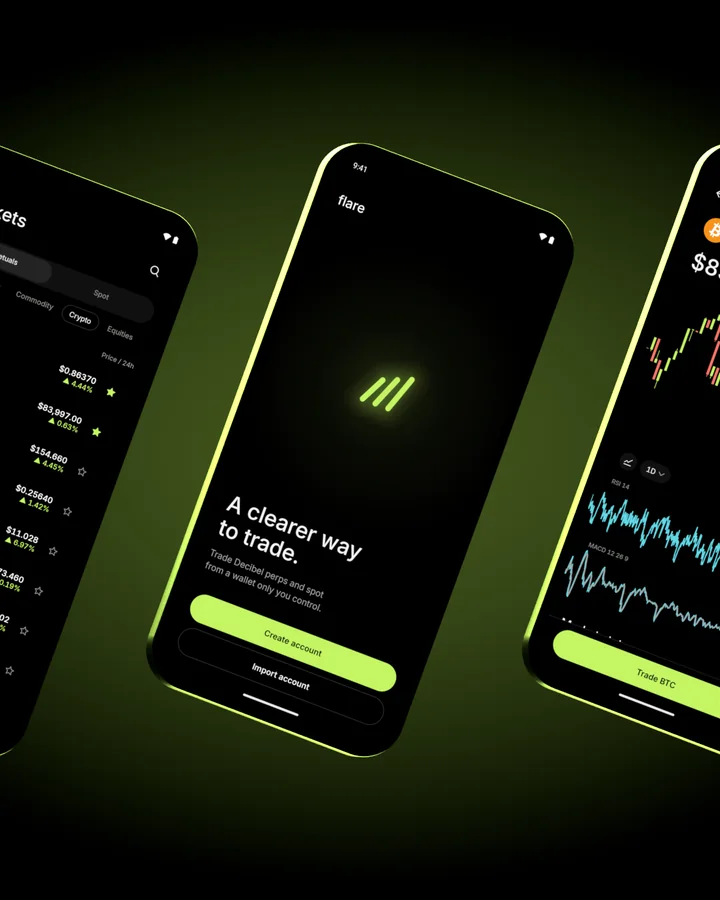
A clearer way
to trade.
Native mobile trading for perps and spot. Open source, with your keys on your phone.
Currently supports Hyperliquid and Decibel.
Trading
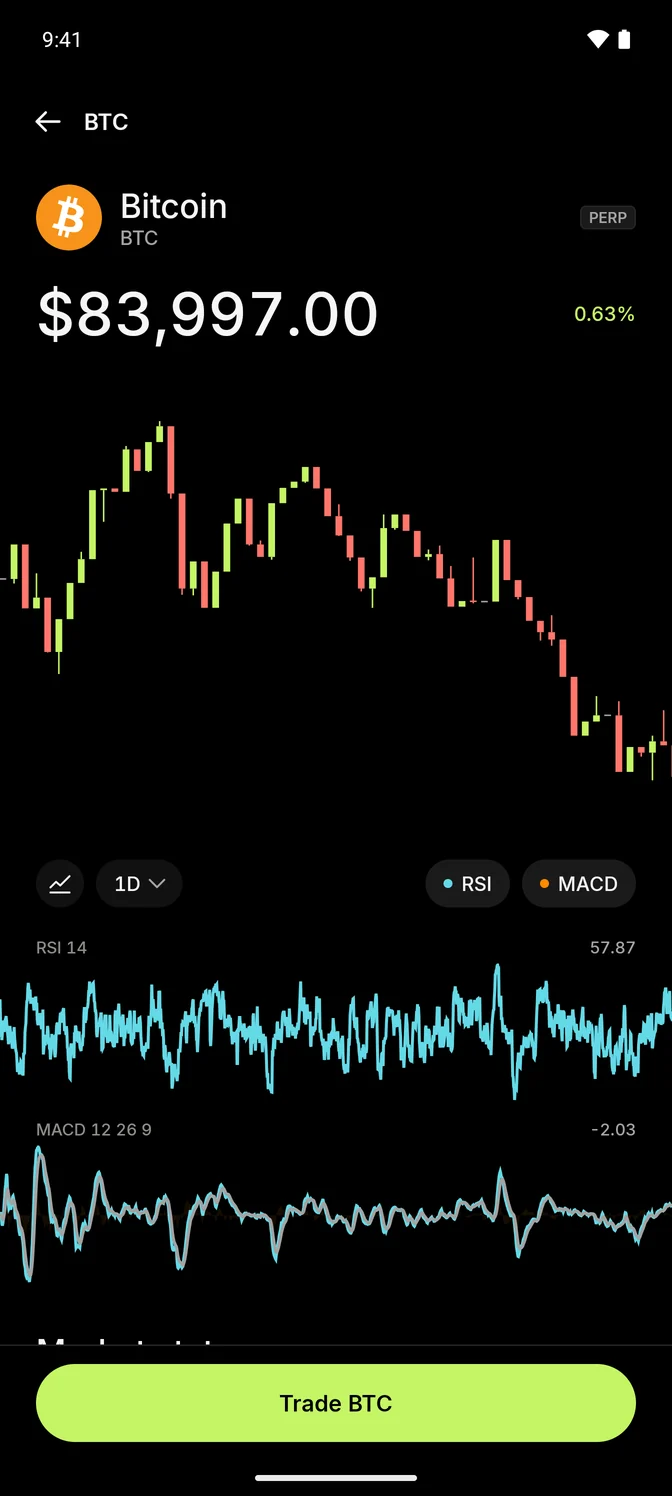
From chart to order.
Switch between candles and line charts. Add RSI for momentum and MACD for changes in momentum. Evaluate strategy signals, then place a market, limit or TWAP order.
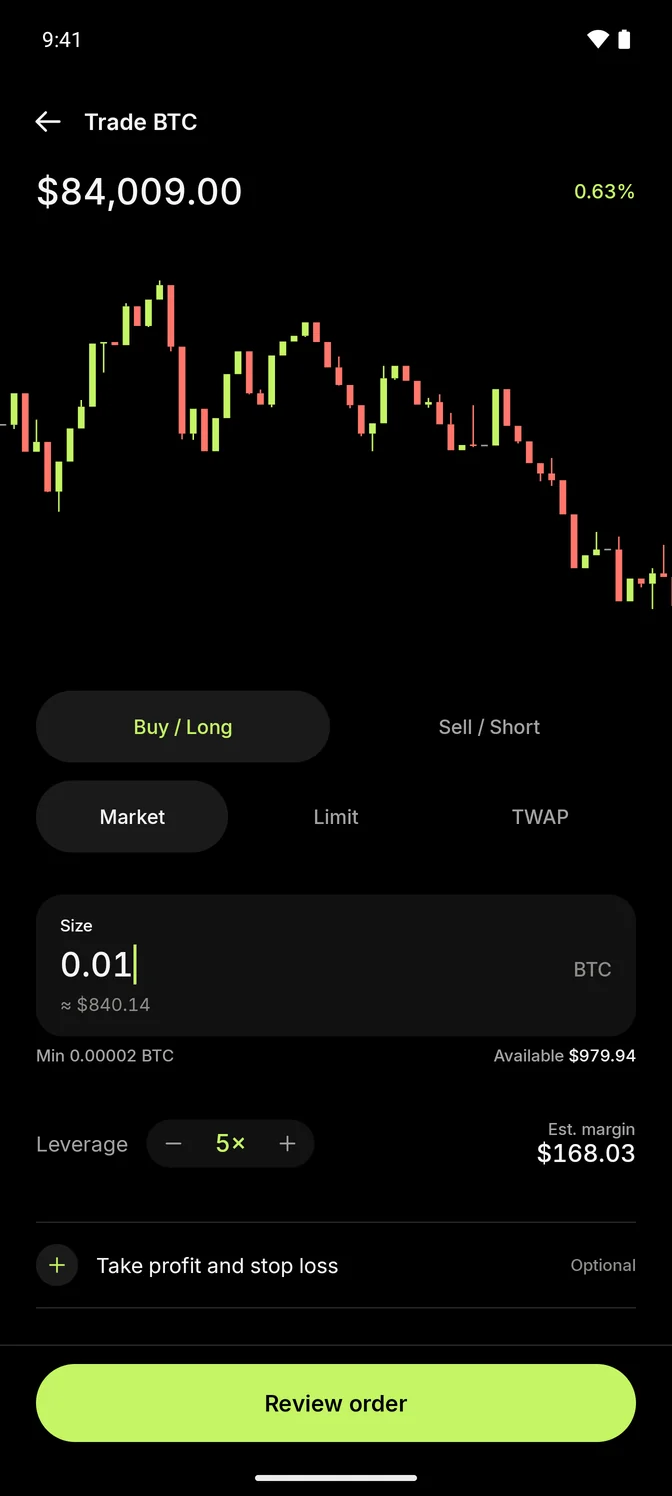
Trade your way.
Set size, leverage, take profit and stop loss. Place orders yourself, simulate a strategy or authorize auto trading with limits.
Markets
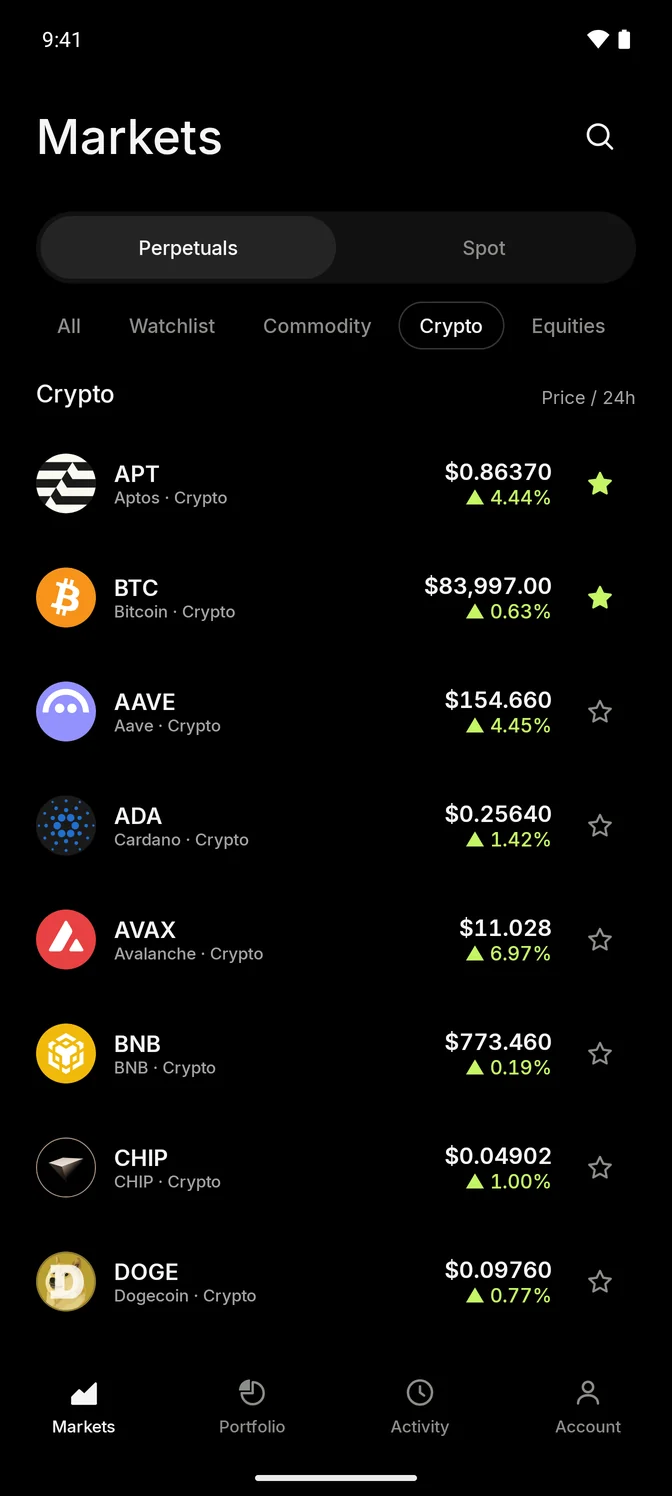
Find your market.
Crypto, equities and commodities, depending on the exchange. Follow live prices, search by name and keep your own watchlist.
Portfolio
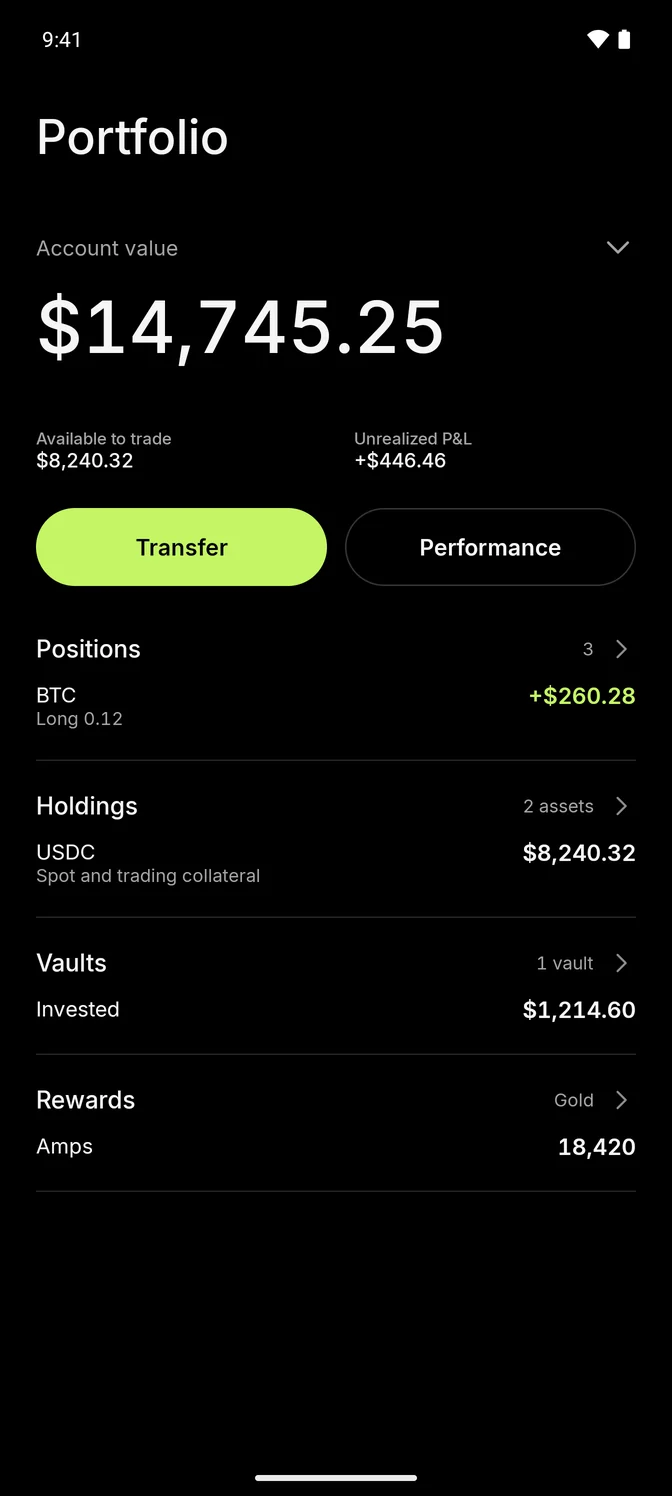
See what you hold.
Account value, positions and holdings in one view. Vaults, rewards and transfers reflect the exchange you use.
Crypto



Bitcoin, Ether, Solana
Equities



Apple, Nvidia, Amazon
Commodities



Gold, silver, copper
Self-custody
Your keys stay
on your phone.
Create or import a wallet on your device. Trades use a separate key that can place orders but can’t withdraw.
Inspect the source
Set up your account.
Save and confirm your recovery phrase, then enable trading. Flare sponsors Decibel’s network fees and asks before your wallet pays.
Open source
Read the code.
Build your version.
Use Flare as it comes, or make it your own. Its modular architecture supports Hyperliquid and Decibel today, with room to add more exchanges.
View on GitHubDownload
Get Flare
for Android.
Choose your exchange. Each APK installs a separate app for testnet trading.
How to install
- Download the Hyperliquid or Decibel APK on your Android phone.
- Open the file. If Android asks, allow your browser or file manager to install apps.
- Install Flare, then create or import your wallet.
- Earlier Flare installs stay separate from the Decibel app. Restore your wallet with its recovery phrase or re-import your trading key.
- Check the release notes for checksums, the signing certificate and build provenance.
iOS can be built from source. Google Play and App Store releases are coming soon.